
Passport entry
Scan your passport to prefill details
Take a photo or upload your passport identity page where supported, then review every field before continuing.
Find your visa →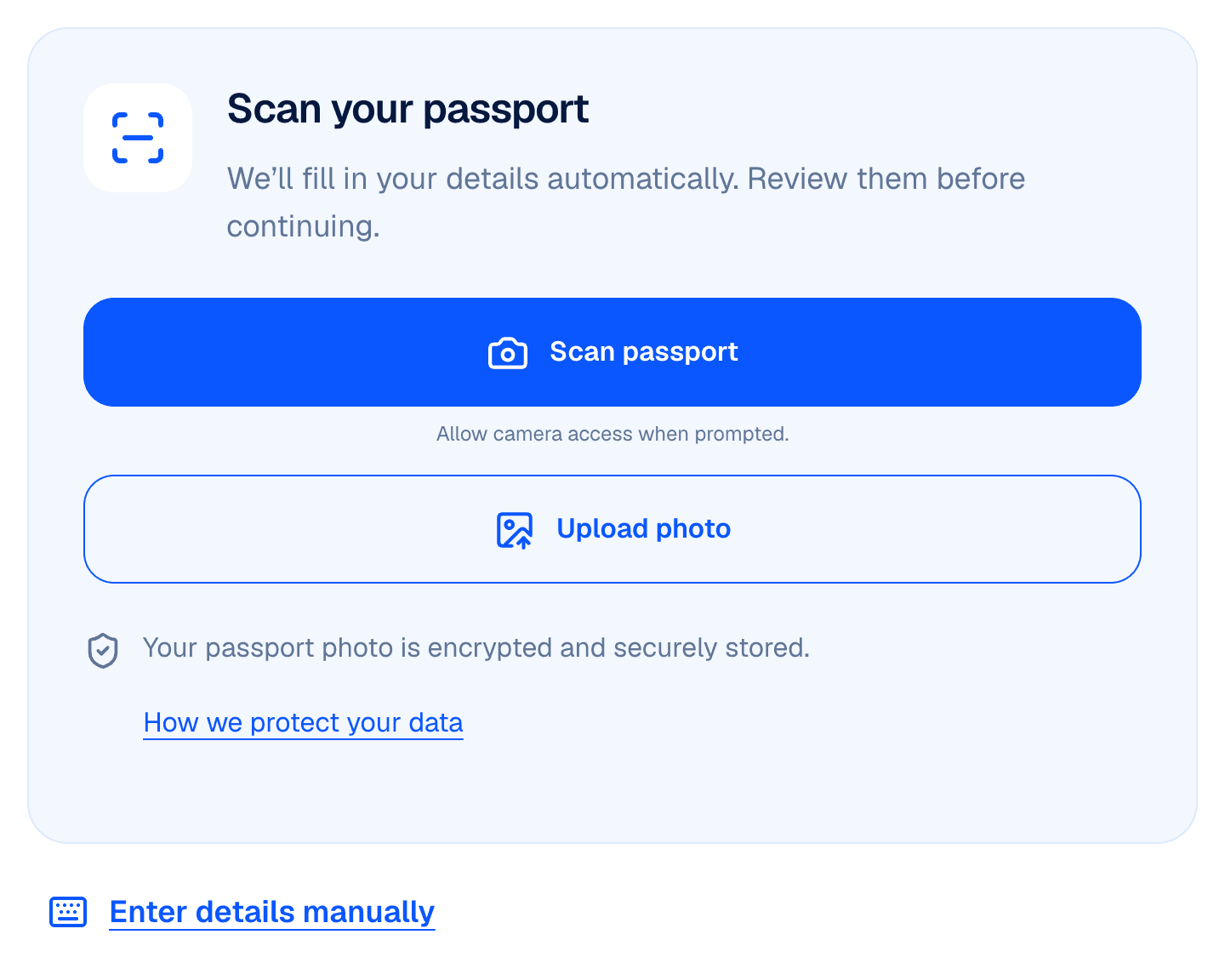
Scan or upload your passport
Use the passport control to capture the identity page or upload an existing image. Camera access depends on your device and browser.
- Show the entire page with all four corners visible
- Avoid glare and shadows
- Keep the text and photograph sharp and readable
Review the extracted details
The scanner can suggest identity and passport fields, but it can make mistakes. Compare every value with the original and correct anything inaccurate or unreadable.
- Full name and passport number
- Nationality and date of birth
- Passport expiry date
Use manual entry when you need it
If scanning is unavailable, unsuccessful or inconvenient, enter the details manually. Where your application requires a passport image, you must still provide it. A successful scan does not establish visa eligibility or passport authenticity.
Keep documents with the correct traveller
Uploaded documents are linked to the relevant traveller. Follow any upload or document request shown in your application. Read about access safeguards and document handling before uploading.
Security and document handling →Understand how your data is used
Our privacy policy explains how application details and documents are handled, including retention and your rights.
Read the privacy policy →